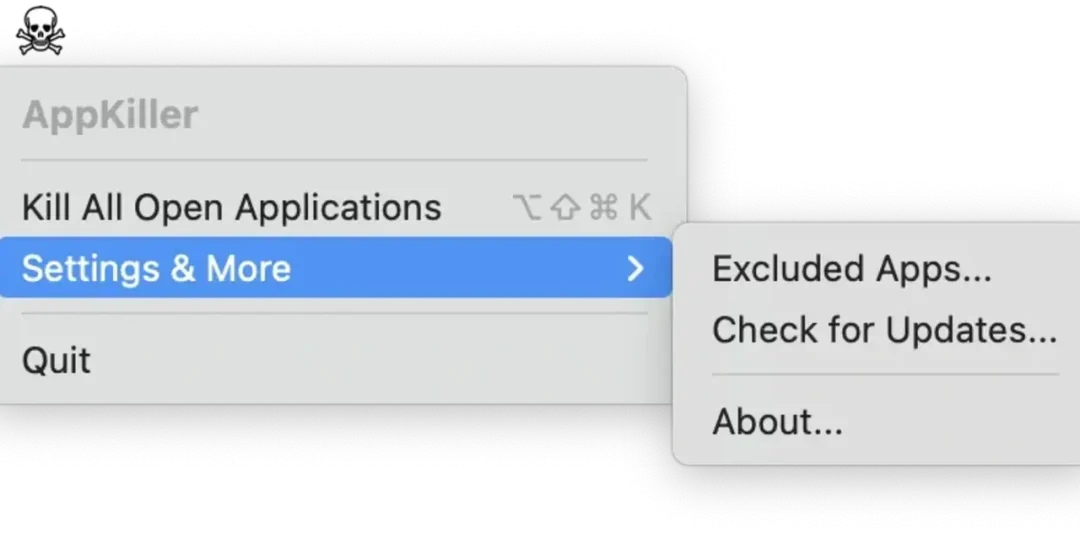
AppKiller for macOS – Complete Application Uninstaller, Process Manager & System Cleanup Utility for Mac

AppKiller is a lightweight yet powerful macOS utility designed to help users completely remove applications, terminate stubborn processes, and eliminate leftover files that traditional app removal methods often leave behind. Instead of simply dragging applications to the Trash, AppKiller scans for associated caches, preferences, logs, and support files to ensure a cleaner and more complete uninstallation process.
Whether you’re freeing up storage space, troubleshooting problematic applications, or keeping your Mac organized, AppKiller provides an intuitive interface with fast scanning and secure removal tools. It is suitable for everyday users as well as developers, IT professionals, and power users who frequently install and remove software.
Optimized for both Apple Silicon and Intel Macs, It delivers fast performance while using minimal system resources.
Download Link
✅ Full Version Available
✅ Latest Release
✅ Apple Silicon Supported
✅ Intel Mac Supported
✅ Offline Installer
✅ Complete App Removal Utility
Supported Operating Systems
- macOS Sequoia
- macOS Sonoma
- macOS Ventura
- macOS Monterey
- macOS Big Sur
Processor Support
- Apple M1
- Apple M2
- Apple M3
- Apple M4
- Intel Macs
Features
• Complete Application Removal
Uninstall applications along with associated caches, preferences, logs, and support files for a cleaner system.
• Running Process Manager
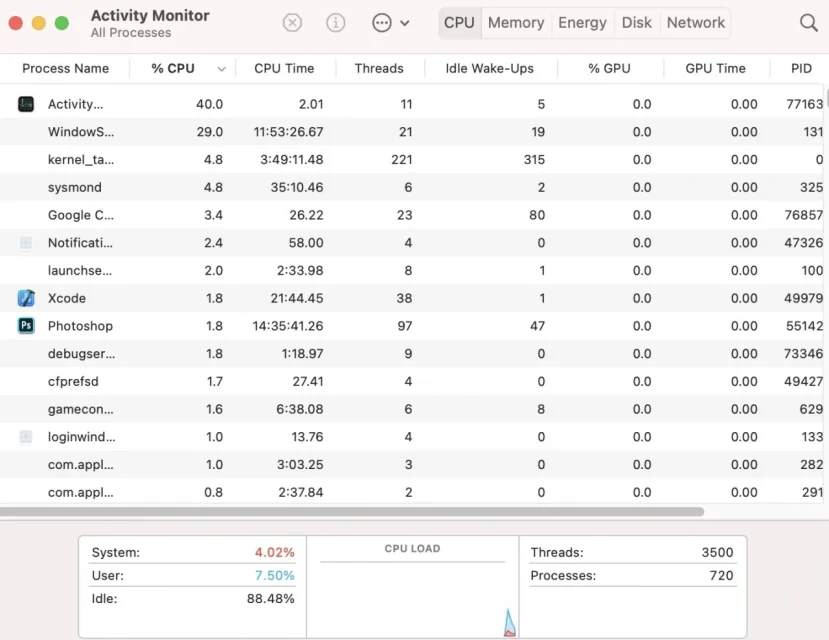
View and terminate active applications, background services, and unresponsive processes directly from the interface.
• Leftover File Detection
Automatically locate residual files left behind after uninstalling applications to recover valuable storage space.
• Drag-and-Drop Uninstall
Simply drag an application into AppKiller to begin a complete removal process in just a few clicks.
• Batch App Removal
Select multiple applications and uninstall them simultaneously to save time during system cleanup.
• Startup Item Management
Review and remove unnecessary login items that may slow down system startup.
• Storage Optimization
Identify applications consuming large amounts of disk space and remove software you no longer need.
• Safe Deletion
Review detected files before removal to help prevent accidental deletion of important system components.
• Fast Search
Quickly locate installed applications using the built-in search feature for faster management.
• Native macOS Performance
Designed specifically for macOS, providing smooth performance and full compatibility with modern Apple hardware.
What’s New
- Improved macOS Sequoia compatibility
- Enhanced Apple Silicon performance
- Faster application scanning
- Better leftover file detection
- Improved process management
- Updated startup item controls
- Enhanced user interface
- Performance improvements and bug fixes
Why Download AppKiller?
- Completely remove unwanted applications
- Delete leftover files automatically
- Free valuable storage space
- Manage running processes
- Improve overall Mac performance
- Remove startup items easily
- Fast and lightweight utility
- Optimized for Apple Silicon Macs
Frequently Asked Questions
What is AppKiller used for?
AppKiller is a macOS utility designed to completely uninstall applications, remove leftover files, manage running processes, and help keep your Mac clean and organized.
Does AppKiller support Apple Silicon Macs?
Yes. The latest version is fully compatible with Apple M1, M2, M3, and M4 processors while also supporting Intel-based Macs.
Can AppKiller remove leftover application files?
Yes. It scans for associated caches, preferences, logs, and support files to perform a more complete uninstall than simply moving apps to the Trash.
Can I uninstall multiple applications at once?
Yes. Batch removal allows you to uninstall several applications in a single operation.
Does AppKiller help improve Mac performance?
Yes. Removing unused applications, leftover files, and unnecessary startup items can help recover storage space and improve overall system performance.
Is AppKiller easy to use?
Absolutely. Its clean drag-and-drop interface makes application management simple for beginners while providing useful tools for advanced users.
Final Verdict
AppKiller is a practical application management utility for macOS users who want more than the standard uninstall process. By combining complete app removal, leftover file cleanup, process management, and startup optimization into a single lightweight application, it helps maintain a cleaner and more efficient Mac. Whether you’re uninstalling old software, reclaiming storage space, or keeping your system organized, It provides a fast and reliable solution for everyday macOS maintenance.
Thank you for visit MacHubSoft