Parallels Desktop for Mac Business Edition β Professional Windows Virtualization, Enterprise Deployment & Cross Platform Software for Mac

Parallels Desktop Business Edition is a professional virtualization solution that allows organizations and business users to run Windows and other supported operating systems alongside macOS on compatible Mac computers. It creates virtual machines that let employees access Windows applications, business software, development tools, and other platforms without replacing their existing Mac environment.
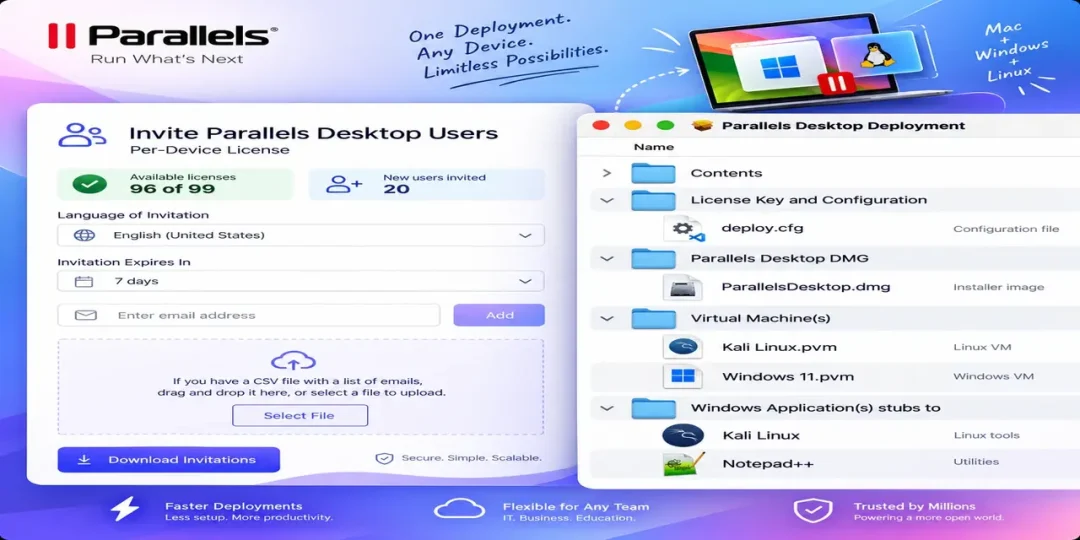
The Business Edition is designed for organizations that need centralized management and consistent deployment across multiple Macs. IT administrators can prepare virtual machine environments, manage user access, configure policies, and simplify the distribution of Windows environments throughout a workplace.
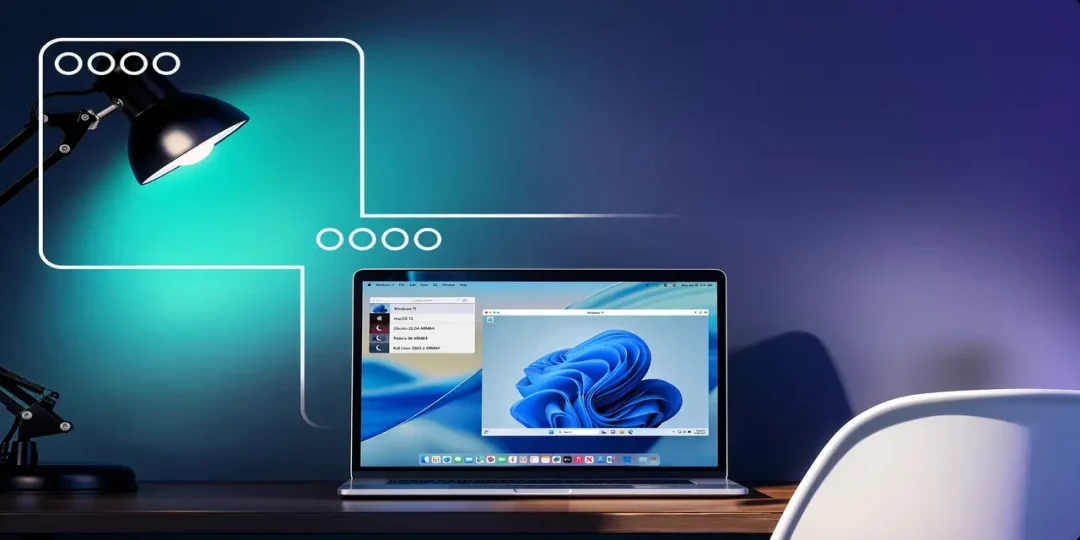
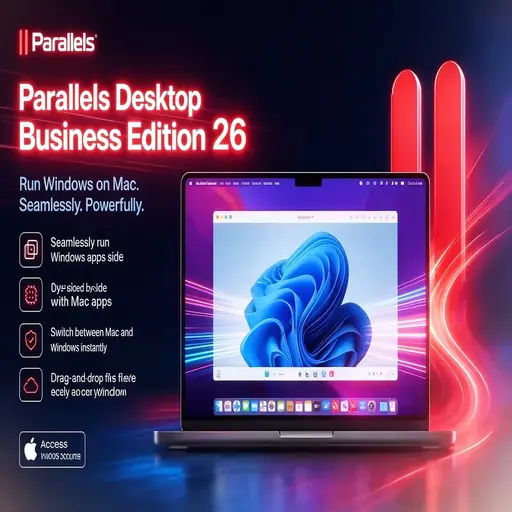
Parallels Desktop also provides a convenient way to work with Windows applications directly from the Mac desktop. Users can switch between macOS and Windows without rebooting, share files and folders between environments, and use familiar Mac hardware such as the keyboard, trackpad, camera, and connected devices.
With support for modern Apple Silicon Macs as well as compatible Intel based systems, Parallels Desktop Business Edition is suitable for companies moving to newer Mac hardware while still depending on Windows based applications and workflows.
Download Link
Official Parallels Desktop downloads and Business Edition information are available from the developer.
Supported Operating Systems
- macOS Sequoia
- macOS Sonoma
- macOS Ventura
- macOS Monterey
- Windows 11
- Supported Linux distributions
- Other supported operating systems through virtual machines
Processor Support
- Apple M1
- Apple M2
- Apple M3
- Apple M4
- Intel Macs
Features
β’ Run Windows on Mac
Create a Windows virtual machine and use Windows applications alongside macOS without restarting the Mac.
β’ Business Deployment
Deploy standardized virtual machine environments across organizational Mac systems to simplify IT administration.
β’ Centralized Administration
Business focused management tools help administrators control virtualization environments and maintain consistent configurations.
β’ Windows Application Integration
Run supported Windows applications directly from the Mac desktop while keeping macOS applications available at the same time.
β’ Coherence Mode
Use Windows applications in a way that makes them appear alongside native Mac applications without requiring the complete Windows desktop to remain visible.
β’ File Sharing
Move files between macOS and Windows environments and access supported Mac folders from Windows virtual machines.
β’ Apple Silicon Support
Run supported Windows on Arm environments on Apple Silicon Macs while taking advantage of modern Mac hardware performance.
β’ Snapshot & Virtual Machine Management
Create and manage virtual machine states for testing, development, recovery, and controlled business workflows.
β’ Development & Testing
Developers and QA teams can use virtual machines to test applications across different operating systems without maintaining separate physical computers.
β’ Peripheral Support
Use supported printers, cameras, storage devices, keyboards, mice, and other connected hardware with virtual machines.
What’s New
- Improved compatibility with recent macOS releases
- Enhanced Apple Silicon virtualization
- Better Windows 11 on Arm support
- Improved virtual machine performance
- Enhanced business administration features
- Better Windows and macOS integration
- Improved device and peripheral compatibility
- Stability and performance improvements
Why Download Parallels Desktop for Mac Business Edition?
- Run Windows applications on Mac
- Deploy Windows environments across business Macs
- Support mixed Windows and macOS workflows
- Manage virtual machines more efficiently
- Reduce the need for separate Windows hardware
- Support Apple Silicon Mac environments
- Useful for developers and IT teams
- Integrate Windows applications with macOS
Frequently Asked Questions
What is Parallels Desktop for Mac Business Edition used for?
Parallels Desktop Business Edition allows organizations to run supported Windows and other operating systems in virtual machines on Mac computers while providing additional tools for business deployment and management.
Does it support Apple Silicon Macs?
Yes. Parallels Desktop supports Apple Silicon Macs and provides virtualization capabilities for supported Windows on Arm environments.
Can I run Windows applications without restarting my Mac?
Yes. Windows can run inside a virtual machine while macOS remains active, allowing users to switch between Mac and Windows applications without rebooting.
Is Business Edition different from the standard edition?
Yes. Business Edition is intended for organizations and includes business oriented deployment, administration, and management capabilities beyond basic desktop virtualization.
Can employees use Windows and macOS applications together?
Yes. Integration features allow supported Windows applications to work alongside macOS applications, making mixed platform workflows more convenient.
Is Parallels Desktop suitable for IT departments?
Yes. Business Edition is designed for organizations that need to deploy and manage virtualized Windows environments across multiple Mac computers.
Final Verdict
Parallels Desktop Business Edition is a strong virtualization solution for organizations that rely on both macOS and Windows software. Its virtual machine capabilities, Windows integration, Apple Silicon support, and business management features make it practical for companies maintaining mixed platform environments.
For businesses, developers, IT administrators, and professionals who need Windows applications on Mac, Parallels Desktop for Mac Business Edition provides a flexible way to maintain Windows workflows without giving up the advantages of modern Mac hardware.
Thank you for visit MacHubSoft